Reassigning an Existing Extension
There may be a time when you need to reassign an extension to a new employee. Following is the preferred method rather than creating a new extension and deleting the old one.
Reset User
The Reset User option includes a secondary screen with optional toggles to delete Voicemail Messages, Voicemail Greetings, Answering Rules, Custom Contacts, and more.
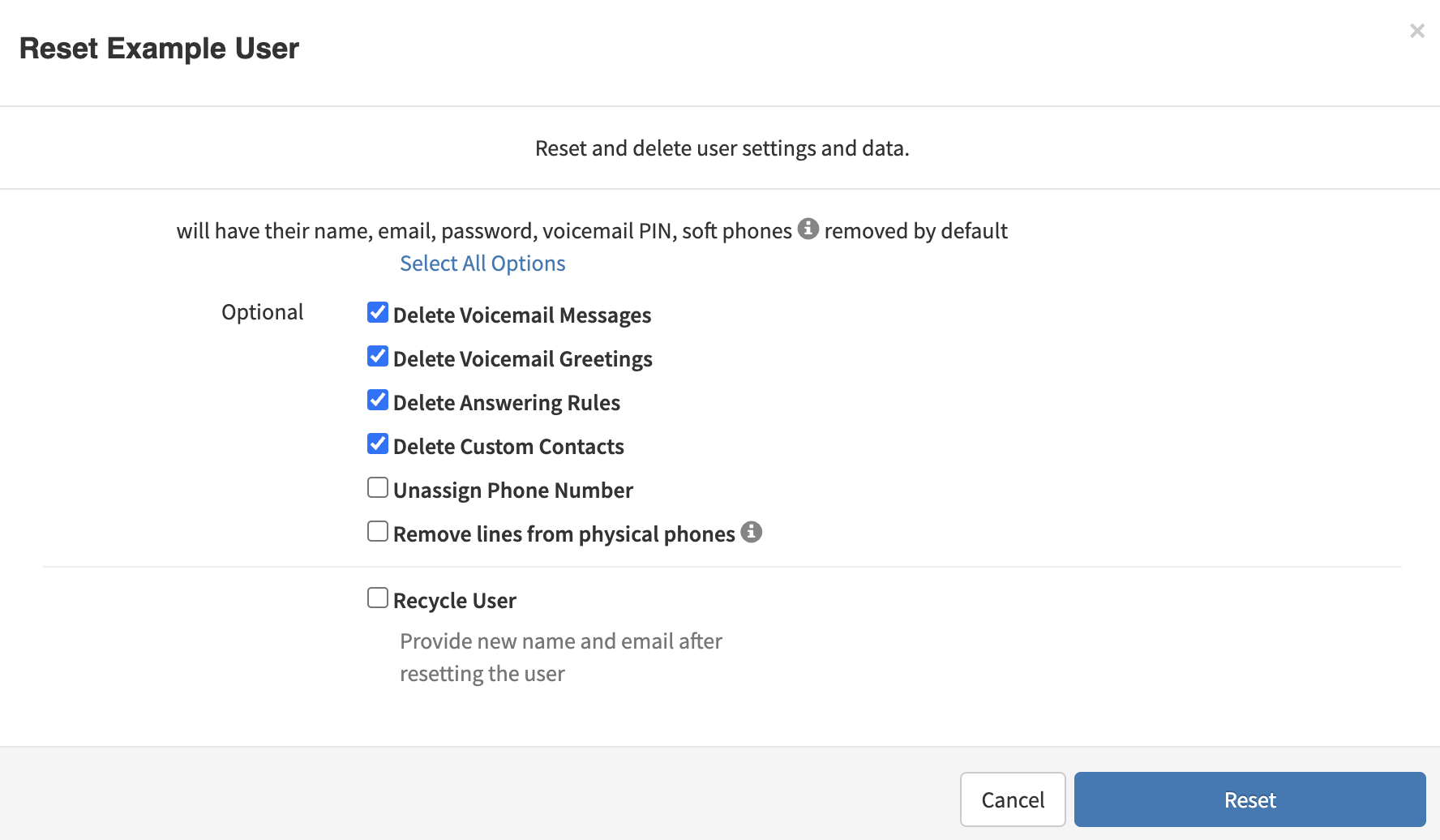
Click the :Select All Options" button to reset all settings. Clicking a second time will deselect all options.
Note: The 'Recycle User' option allows you to rename the existing user and change their email. This option also allows sending a welcome email to the new email address.
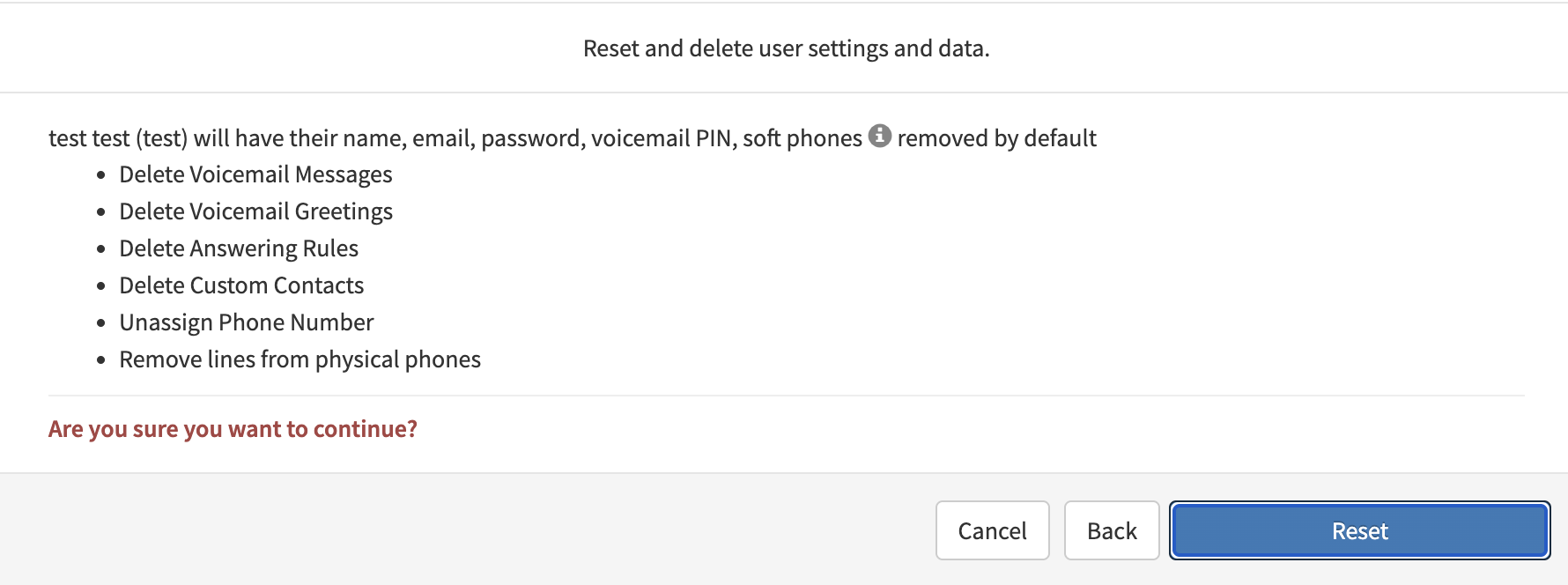
Once you have selected what data you want deleted for the user, you will see a final confirmation message. Select 'Reset' to proceed.
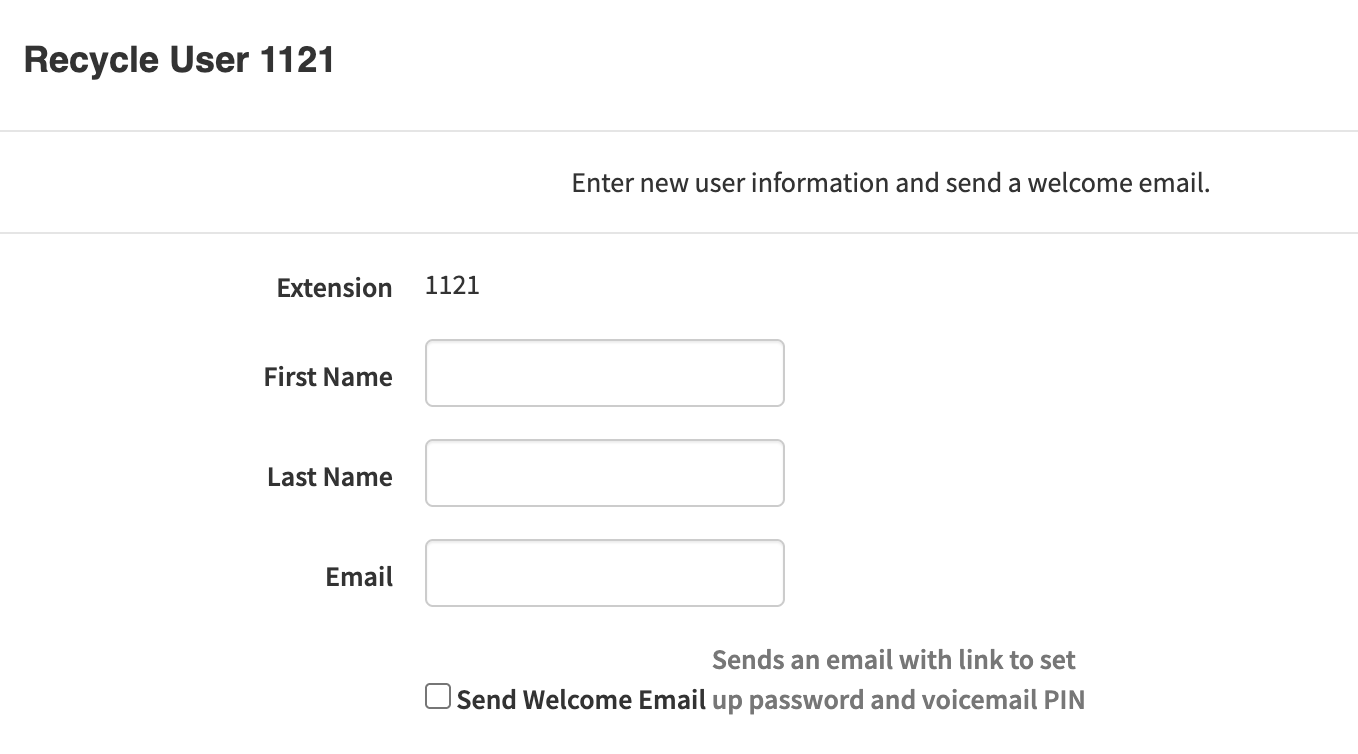
If you selected the "Recycle User" option, you will be asked to enter a new name and email. You may optionally send a welcome email to the new email address via the toggle option at the bottom of the screen.
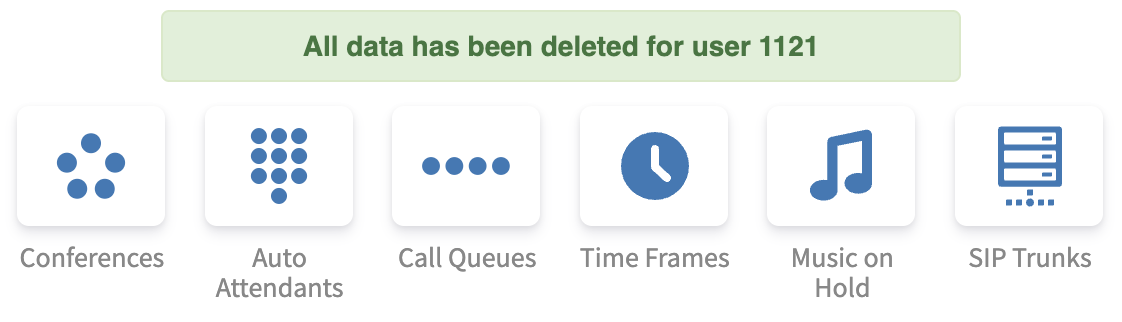
After proceeding, you will see a confirmation message that the data for the user was deleted.